
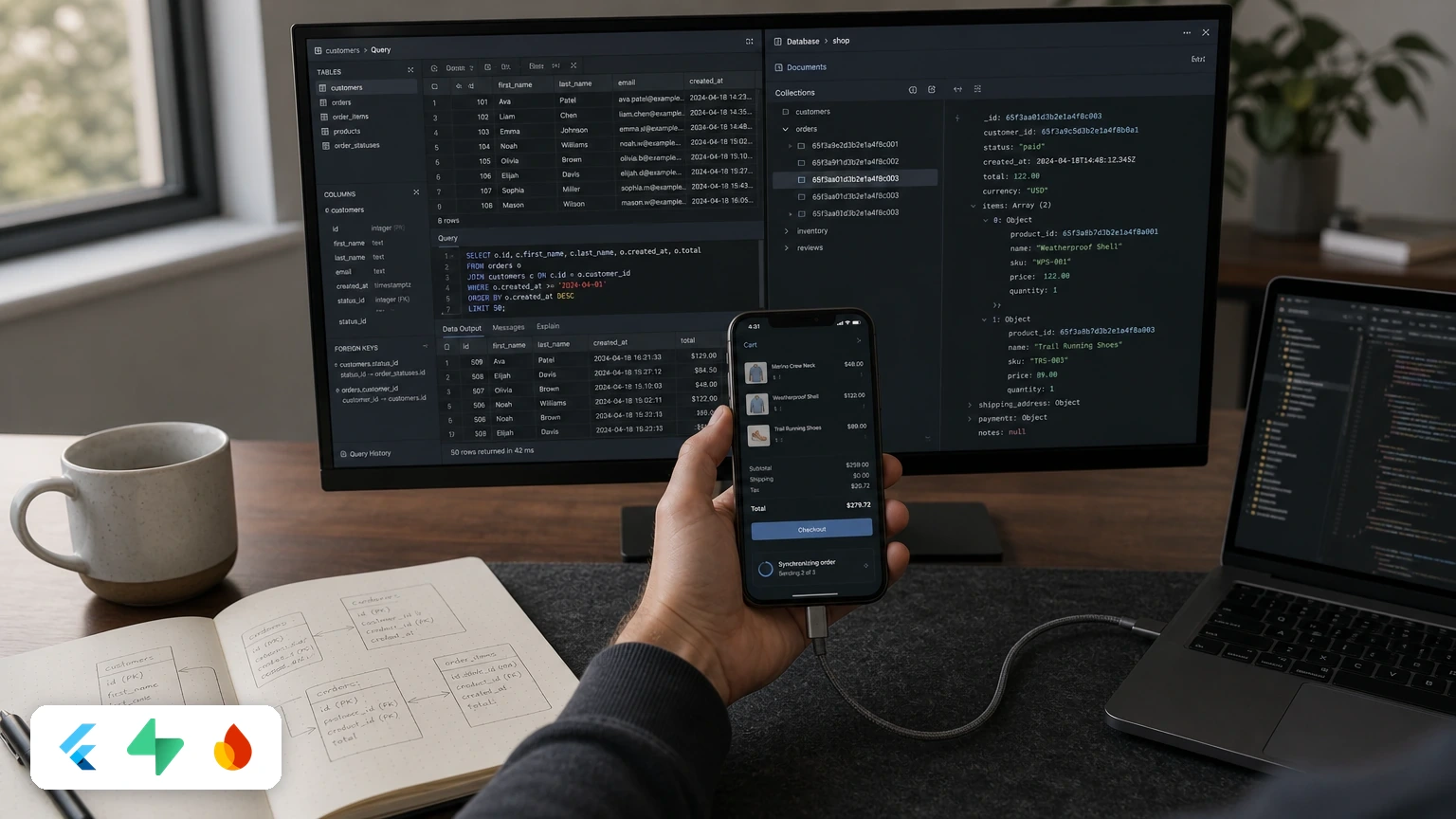
Choose Supabase for Flutter apps with relational data, SQL queries, and database-level access policies. Choose Firebase when built-in offline persistence and integrated mobile tools matter more; its document model and operation-based billing suit different trade-offs.
Which backend should you choose for Flutter in 2026?
Supabase is the stronger fit for Flutter apps built around relational data and SQL; Firebase is the stronger fit when automatic offline persistence and integrated mobile operations tools are priorities. The deciding question is whether your app’s data and workflows fit PostgreSQL tables or Firestore documents.
That choice shapes more than the first release. It affects how you model data, enforce access, handle interrupted connectivity, monitor app health, and forecast backend costs. Switching later can mean redesigning data access and synchronization, so test the backend against your real product workflows before committing.
How do Supabase and Firebase differ?
Supabase exposes PostgreSQL through a backend platform, while Firebase’s Firestore stores data in documents and collections. Both have Flutter SDKs for common backend tasks, but their underlying models lead to different development patterns.
| Area | Supabase | Firebase with Firestore |
|---|---|---|
| Data model | Relational PostgreSQL tables, views, and relations | NoSQL documents grouped into collections |
| Access control | PostgreSQL Row-Level Security (RLS) policies | Firebase Security Rules |
| Flutter integration | supabase_flutter provides Dart access to backend services |
FlutterFire provides Flutter plugins and a setup CLI |
| Realtime | Listens to PostgreSQL changes and broadcasts them over WebSockets | Native document listeners |
| Offline behavior | No automatic offline write queue in the base client | Firestore SDK supports cached reads and queued writes |
| Mobile operations | Backend services focused on database, authentication, storage, functions, and realtime | Includes tools such as Crashlytics, Cloud Messaging, Remote Config, and Analytics |
| Cost drivers | Plan tier, compute, storage, and monthly active users | Reads, writes, deletes, network egress, and compute |
Supabase: PostgreSQL with a managed backend
Supabase fits products whose data has meaningful relationships, such as orders tied to customers, line items, and inventory. PostgreSQL gives you joins, constraints, views, and stored procedures; RLS lets you express authorization policies at the database layer.
Supabase also provides authentication, file storage, edge functions, and realtime channels. For Flutter, supabase_flutter supplies Dart-native bindings for these services. Local development can use containerized environments for migrations and test data.
PostgreSQL does not remove the need for careful design. RLS policies must be tested and kept efficient, and database indexes and connection usage still matter as traffic grows. A relational model makes relationships explicit; it does not make every query automatically fast or every policy automatically correct.
Firebase: Firestore and an integrated mobile toolkit
Firebase fits apps whose data can be organized naturally as documents and collections, especially when its mobile operations tools are valuable. Firestore provides document listeners and offline persistence, while FlutterFire makes Firebase services accessible from Flutter.
Offline support is a practical advantage: Firestore can serve cached reads and queue writes locally, then synchronize when connectivity returns. That behavior is useful for apps used in unreliable network conditions, though you should still design how the interface handles pending writes and conflicting changes.
Firebase extends beyond data storage. Crash reporting, push messaging, Remote Config, performance monitoring, App Check, and analytics sit within its broader mobile ecosystem. Supabase focuses more narrowly on backend infrastructure, so a Supabase-based app usually needs separate services for several of those operational needs.
Which trade-offs matter in a real Flutter app?
The data model, offline requirements, operations stack, and billing model determine whether Supabase or Firebase is the more practical choice. Compare each against the app’s actual queries and user behavior, not just the speed of setting up a demo.
Data relationships and query design
Supabase is usually easier to reason about when product behavior depends on relational queries and database-enforced integrity. An order screen can retrieve related customer and item data through SQL relationships, and foreign keys can prevent invalid references.
Firestore can represent those same workflows, but teams often denormalize data or combine multiple reads. Denormalization can be effective when it matches the product’s access patterns; it becomes costly to maintain when the same facts must stay consistent in multiple places.
Choose Firestore when the app’s reads map cleanly to self-contained documents. Choose PostgreSQL when joins, constraints, reporting, and transactional relationships are central to the product.
Offline work and realtime updates
Firebase is the more direct choice when the app must keep reading and accepting writes through temporary network loss. Firestore’s client handles local caching and queued writes, while a Supabase app needs an additional local database or replication layer for equivalent offline-first behavior.
For Supabase, teams can pair the backend with an embedded database such as SQLite through Drift or use a replication layer such as PowerSync. That approach offers architectural control, but adds synchronization design and testing work.
Pricing and cost control
Supabase’s published 2026 Free plan costs $0 per month and includes a 500 MB database, 50,000 monthly active users, 1 GB of file storage, and 5 GB of egress. Free projects pause after a week of inactivity, and the plan allows two active projects.
The Supabase Pro plan starts at $25 per month and includes 100,000 monthly active users, with an additional charge of $0.00325 per user beyond that threshold. Its Team plan starts at $599 per month. Check the current plan terms and usage allowances when budgeting, since a plan price does not represent every possible infrastructure cost.
Firebase billing is tied to operational usage, including document reads, writes, deletes, egress, and compute. A heavily used listener or inefficient query pattern can drive costs upward, so estimate usage from expected reads and writes and monitor actual consumption after launch.
Supabase’s tier-based model makes some costs easier to forecast, but it does not make database performance free of consequences. Poor indexing, expensive queries, and connection pressure can require infrastructure changes. Compare expected traffic and workload against both platforms’ billing dimensions rather than assuming one backend will always cost less.
Security and maintainability
Supabase lets you express authorization with PostgreSQL RLS policies, keeping access rules close to the data. That can create a clear security boundary, but policies need careful testing and query optimization; an inefficient policy can affect performance as data grows.
Firebase Security Rules are purpose-built for Firebase resources and operate separately from application code. They can work well for document-based access patterns, but must be designed and tested against the paths and queries your app actually uses.
Neither model eliminates security work. Test access as different user roles, verify that clients cannot access other users’ records, and review rules whenever the data model changes.
How should you choose a backend for your Flutter project?
Choose the backend that makes the app’s hardest data and connectivity requirements straightforward, rather than optimizing only for the first prototype. For many apps, that means Supabase for relational products and Firebase for offline-first products with a strong need for integrated mobile tooling.
Use Supabase when:
- Your product depends on joins, relational constraints, or structured reporting.
- You want SQL and PostgreSQL-based policies to shape data access.
- Your team is prepared to manage indexes, RLS performance, and database connections.
- You want a backend based on PostgreSQL rather than a proprietary document store.
Use Firebase when:
- Users need cached reads and queued writes without building a separate sync layer.
- Your app’s data fits document-oriented access patterns.
- Crash reporting, push notifications, analytics, and other integrated mobile tools are important.
- Your team already understands Firebase Security Rules and its usage-based billing model.
A hybrid setup can also be sensible: use Supabase for relational data and authentication, then use Firebase for selected mobile tools such as push notifications or crash reporting. Keep the boundary explicit so your team knows which service owns each responsibility and how data flows between them.
Conclusion
For Flutter apps with complex relationships, SQL queries, and database-level authorization, start with Supabase. For apps where offline persistence and a bundled mobile operations toolkit outweigh relational querying, start with Firebase. Validate the choice with your real data access patterns, offline workflows, and a usage-based cost estimate before launch.
Next Steps
Map your key queries, access policies, and offline workflows before choosing a backend; tell us about your project to get a scoped estimate for implementing or reviewing your Flutter architecture.
Frequently Asked Questions
Is Supabase better than Firebase for Flutter?
Supabase is a better fit for relational data, SQL, and PostgreSQL-based access policies. Firebase is a better fit when Firestore’s built-in offline persistence and integrated mobile tools are more important.
Does Supabase support offline mode in Flutter?
No, supabase_flutter does not provide Firestore-style automatic offline write queueing in its base client. Add a local database and synchronization layer if your app needs offline-first behavior.
Can I use Firebase tools with Supabase?
Yes. You can use Firebase services such as Cloud Messaging or Crashlytics alongside Supabase, while keeping PostgreSQL as your application’s primary data store.
Which backend has more predictable pricing for a Flutter app?
Supabase’s tier-based plans can make costs easier to forecast, while Firebase charges across usage dimensions such as document operations and egress. Your actual cost depends on the workload and how efficiently the app queries and listens for data.
Ready to scale your next mobile or web application?
We've delivered 50+ production apps since 2021 across Flutter, Swift, Kotlin & Supabase. Book a free 30-min technical architecture and scoping call with our core engineers.